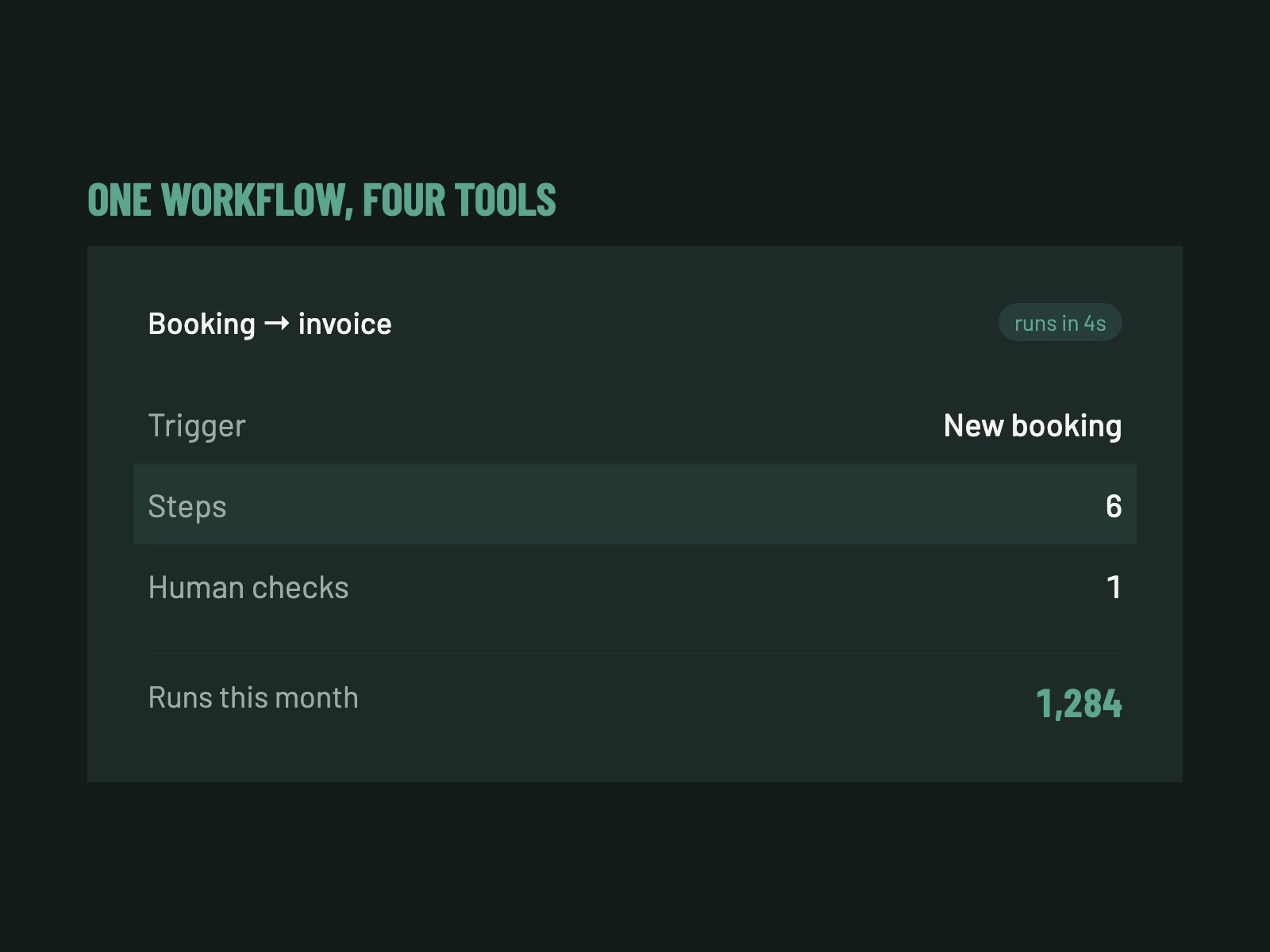
Most automation tools do the same fundamental thing: something happens, then a sequence of steps runs. The differences are not really about capability. They are about who can maintain it, what happens when it breaks, and what you are paying for.
Here is how we think about the four options that come up most often.
Zapier — the default for a reason
Zapier connects thousands of apps through a simple interface, and for straightforward "when this, then that" work it is genuinely hard to beat. If your automation is a single trigger and two or three steps between well-known services, Zapier will have you running in an afternoon.
The catch is pricing. Zapier charges per task, where a task is roughly one step executing once. A workflow with five steps running a hundred times a month consumes five hundred tasks. This is fine at low volume and gets expensive in a way that is not obvious when you set it up — the bill grows with your business, which is exactly when you least want a surprise.
Good fit: low-volume workflows, non-technical teams, common apps.
Make (formerly Integromat)
Make occupies similar ground with a visual, branching canvas that handles complex logic more comfortably than Zapier's linear model. It tends to be cheaper at volume. It is also a little more to learn — the flexibility means more ways to build something confusing.
Good fit: workflows with real branching, moderate volume, someone willing to learn the canvas.
n8n — where we spend most of our time
n8n is a workflow automation tool built around the same node-and-connection idea, with one significant difference: you can run it on your own server. There is a hosted version if you want one, but the self-hosted option is what makes it interesting for small businesses.
Three things follow from that:
- Volume stops mattering. Running on your own server, a workflow executing ten thousand times costs the same as ten. For anything high-frequency this changes the economics completely.
- Your data stays yours. For businesses handling customer records, invoices, or anything with a privacy obligation attached, the data never leaves infrastructure you control.
- You can drop into code when you need to. Most steps are configured visually, but when a step needs real logic you write a small piece of JavaScript instead of bending the interface into an unnatural shape.
The honest trade-off: someone has to run the server. Updates, backups, and the occasional "why did this stop" belong to you now. That is entirely reasonable if you have technical support — and a real burden if you do not. Self-hosting something you cannot maintain is a worse outcome than paying for a hosted tool.
Good fit: high volume, sensitive data, complex logic, and access to someone technical.
A custom script — narrower than it looks
Sometimes the right answer is a small program on a schedule. It is precise and has no platform fees. But it has no interface, no run history, and no error reporting unless someone builds those too. Six months later the person who wrote it has moved on and nobody else can safely change it.
We reach for this when a task is genuinely unusual and unlikely to change. For anything a business owner may want to adjust later, a visual tool is almost always the better call — not because the code is harder to write, but because it is harder to hand over.
Choosing between them
Three questions usually settle it:
- How often does it run? Under a few hundred times a month, per-task pricing is fine. Into the thousands, self-hosted n8n starts paying for itself quickly.
- How sensitive is the data? If customer records pass through it, running on your own infrastructure is worth real money.
- Who maintains it? The most important question and the one most often skipped. A tool nobody in your business can touch is a dependency, not an asset.


Three businesses we work with.
← All writing